What can the parent app do?
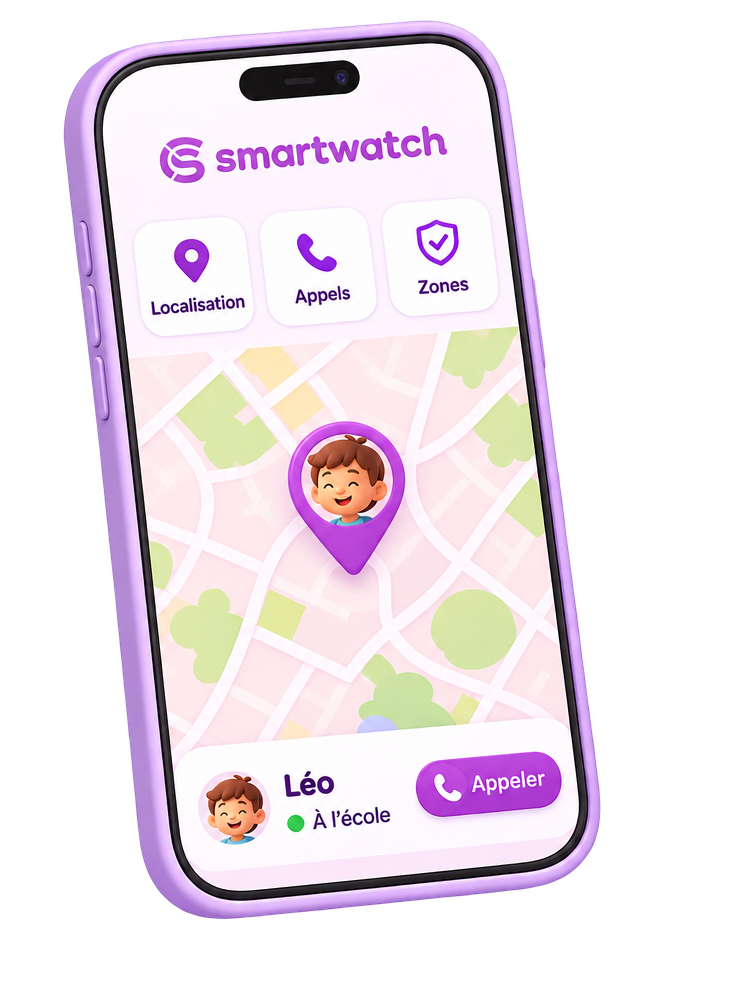
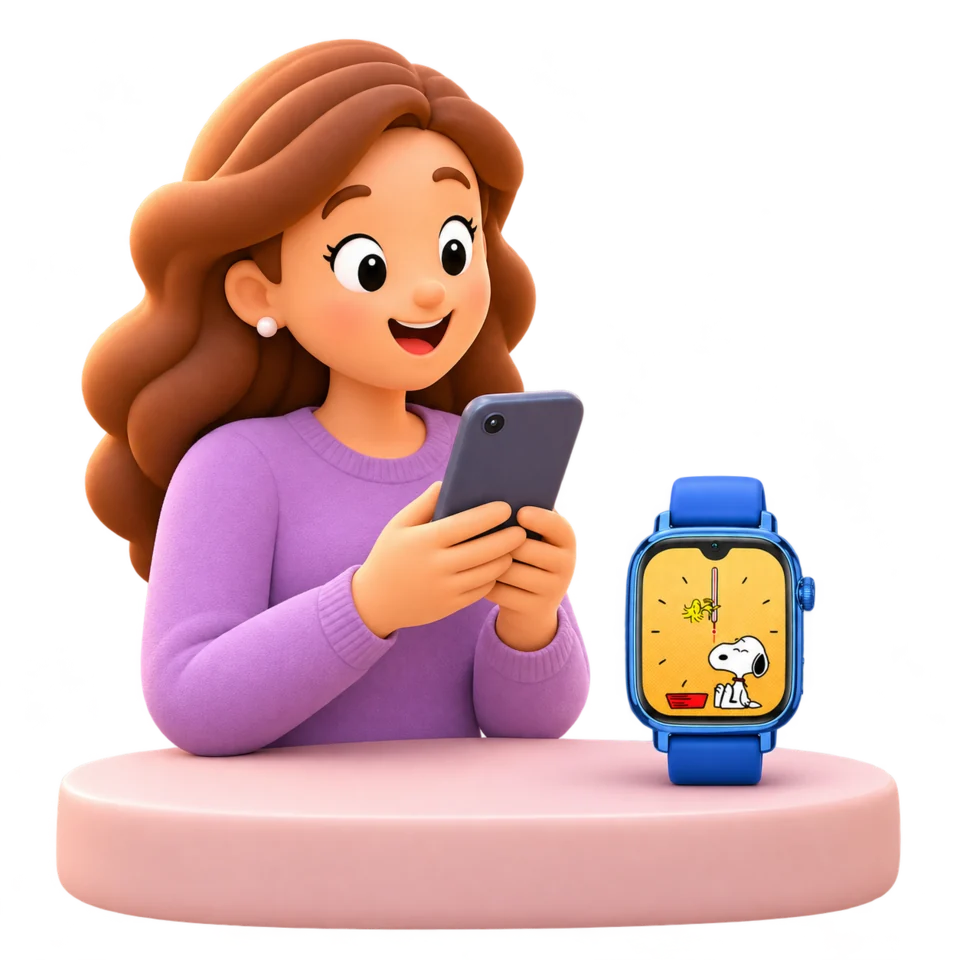
The parent app lets you see the watch’s location, choose your child’s contacts, define their zones and schedule school mode from your phone. You view the alerts there: zones, low battery, watch offline and SOS. With several children, all their watches are in the same app.
How do you pair the watch with the app?
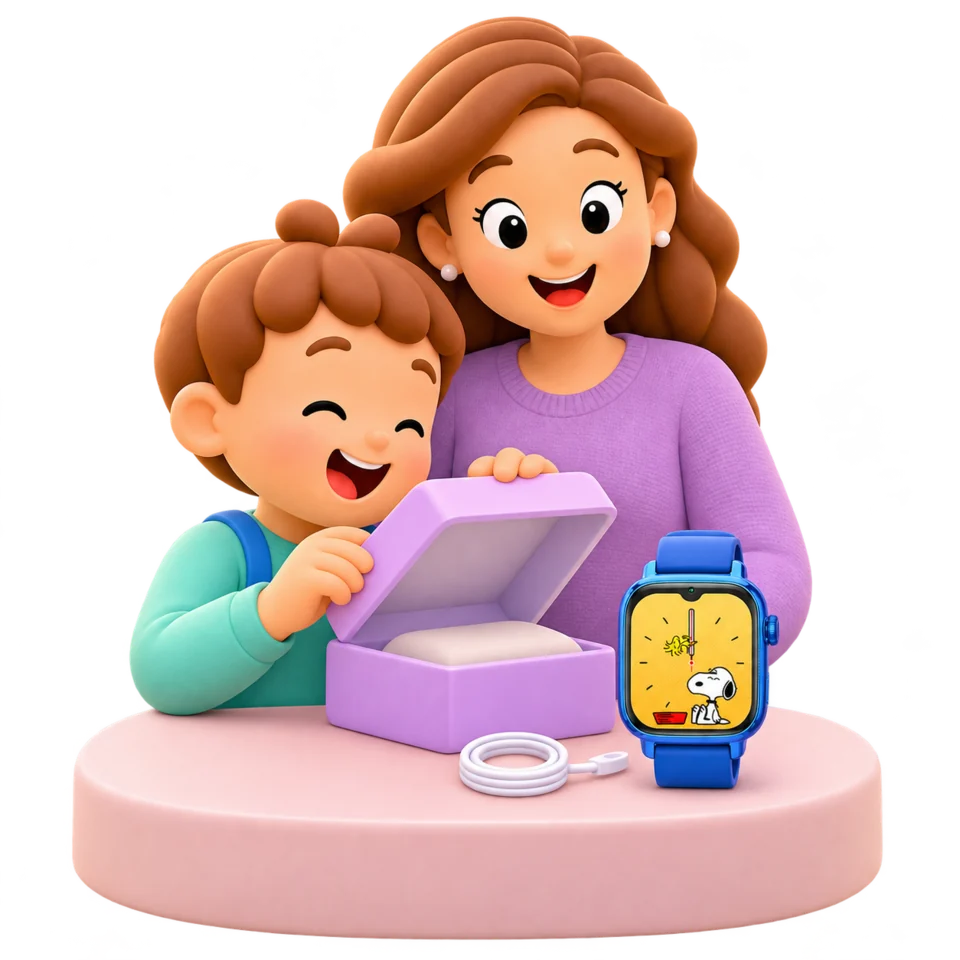
Create your account with the e-mail address used for your order, then open “My watches” › “Add a watch”. Enter the 15 digits of the watch’s IMEI, or scan the QR code on the “Pair” screen on Ultra, then enter your child’s first name. With the e-mail address used for the order, you are not asked for a code.
Live location, safe zones and route history
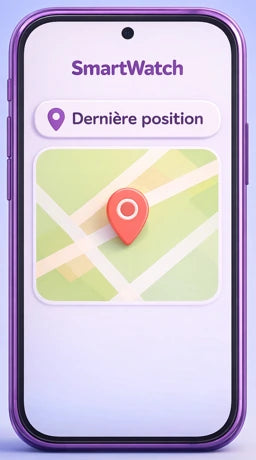
The app shows the last location received from the watch. You define its zones and receive an alert on entry and exit. A day’s locations can be replayed, and the history is kept for 90 days.
Who can call and message your child?
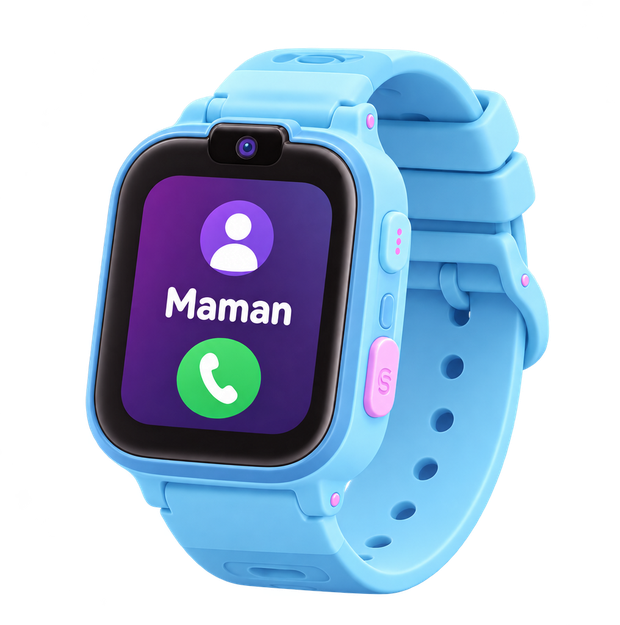
Only the trusted contacts you authorise can call and message your child. You choose their contacts in the parent app: a name and a number, sent to the watch. On their watch, your child finds their approved contacts, calls you and sends you a quick note or a voice message.
Which phones does the app work on?
The parent app works on Android, on iPhone and on a computer. On Android, it is installed with the parents.apk file; on iPhone, add gw.smart-watches.io to your home screen, or install the app from the App Store where it is offered. Enable notifications on your phone: without them, SOS alerts will not sound.
Is there a fee for the app?
With a Smart Watches watch, 3 months of access to the apps come as a gift. After that, access is paid: the options are shown on this page. Junior, KidLink and Mini use SeTracker2.
Privacy: where does your family's data go?
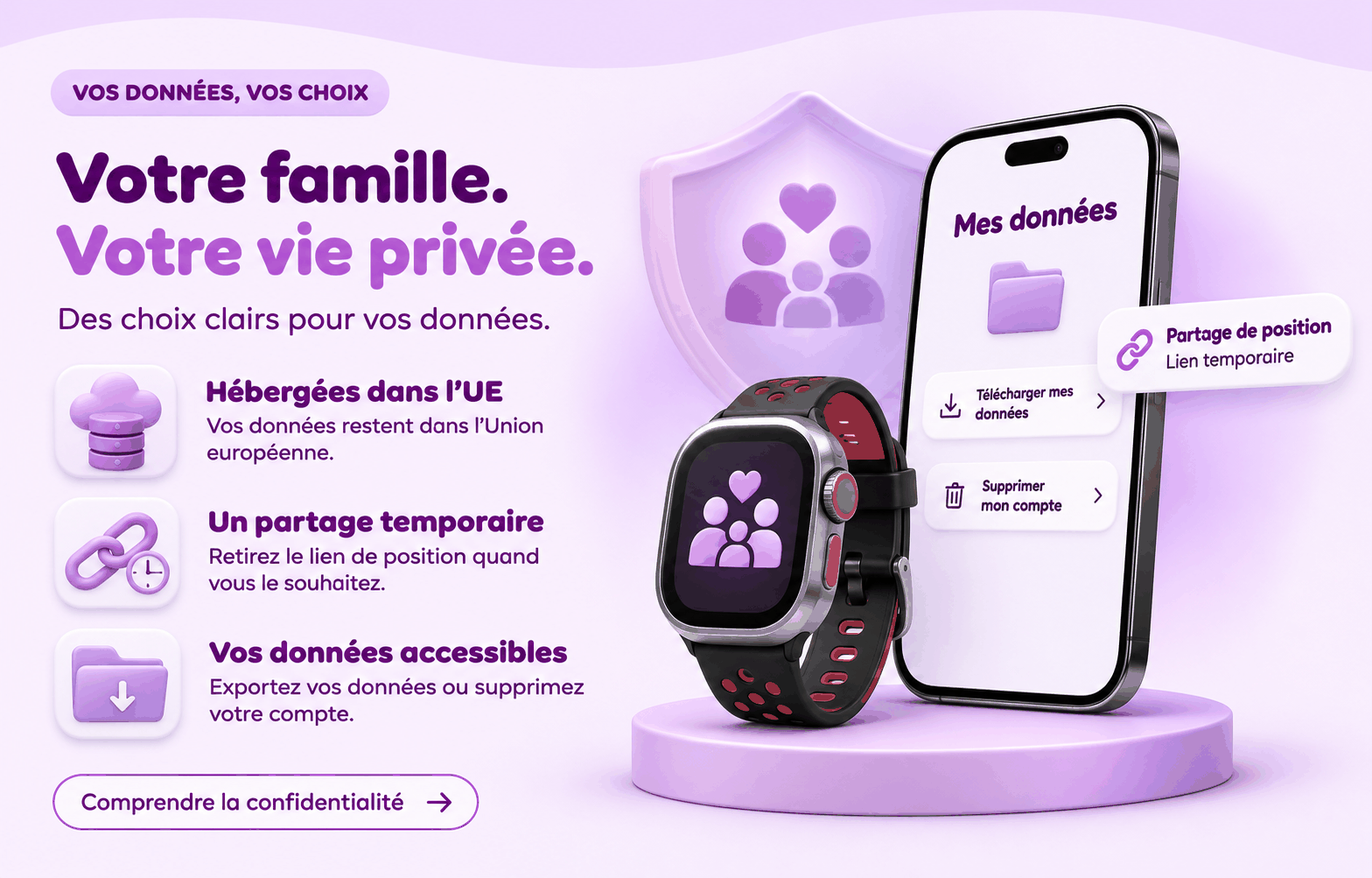
App data is hosted within the European Union. You can export your data or delete your account: deletion erases the family, watches and history. The location sharing link is temporary: it shows the current location, without giving access to history, and you can remove it at any time.














 Activate my SIM
 2-year warranty
 Contact
 My Account